Apple iOS Mail Client leaking highly sensitive information

Key points
- In December 2019 the iOS Mail client put the sender’s local and public IP address, the iOS build and so the iPhone model into the headers of every message.
- Through a VPN it leaked the VPN’s internal and external addresses too, and Apple asked me not to share the finding.
- Check your own phone: send yourself a message and open its full headers. Mail Privacy Protection does not change the headers of mail you send.
Disclosure of iOS Mail Client Vulnerability and Apple’s Response
Updated October 2026: I ran these tests of the iOS Mail client in December 2019 on iOS 12.4.4 and iOS 13.3, and Apple never told me it had changed anything. I have not repeated them on current iOS, so read the details as a 2019 result and check your own phone: send yourself a message from the iPhone Mail app and open its full headers (Show Original in Gmail). The local address shows up in a Received header, which the outgoing mail server writes from what the phone sends it, so the result also depends on your mail provider.
Two things worth knowing today: Mail Privacy Protection (iOS 15 and later) hides your IP address from senders who track when you open their mail, but it does not change the headers of mail you send. And ProtonMail and Tutanota, which I mention below, are now called Proton Mail and Tuta.
How I found the leak
Imagine a scenario where all it takes to launch an attack against you is someone asking you to send or reply to an email. Unfortunately, this is a reality due to a vulnerability in the Apple iOS mail client, which leaks highly sensitive information. The issue came to light when I received an email and decided to examine the email headers for any potential information leaks.
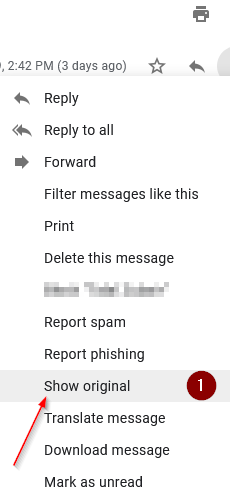
I opened my email client and clicked on “Show Original,” as illustrated below:

Click the thumbnails to enlarge the screenshots.
What I found was unexpected: both the sender’s Internet IP address (which is normal based on the SMTP protocol) and local IP address (which was leaked) were included in the email headers, as shown below:
- Number 1: The local IP address which is behind the router.
- Number 2: The external Internet IP address, which is normal based on the SMTP protocol.

The iOS build and iPhone model
Now, you might think that these are the only pieces of information that are leaked. However, the answer is NO. In fact, there is more sensitive information exposed, as shown below:
The iOS version. To confirm this, simply Google the string “16G140” and you will see the following result:
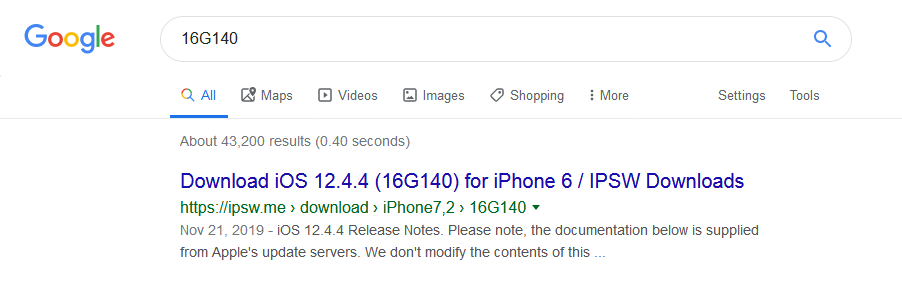
From the above results, you can identify the iPhone model, which in this case is an iPhone 6.
Number 2: A unique random string that could be an identifier related to the email itself or to the iPhone device. However, this unique string is not leaked on iOS 13.3.
To delve deeper, Google “iPhone iOS 12.4.4 vulnerabilities” and you will find the following results:
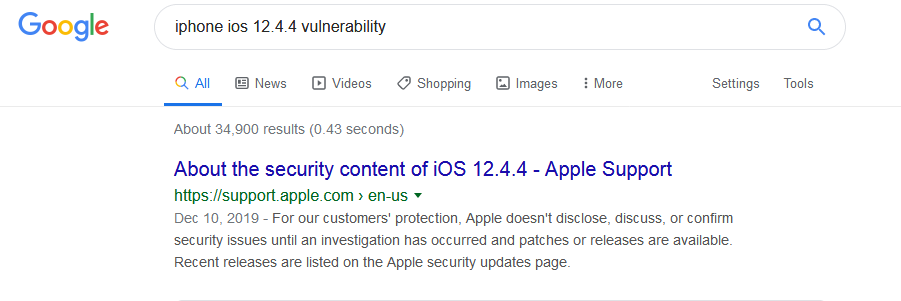
By reviewing Apple’s security release notes, we can find the following information:
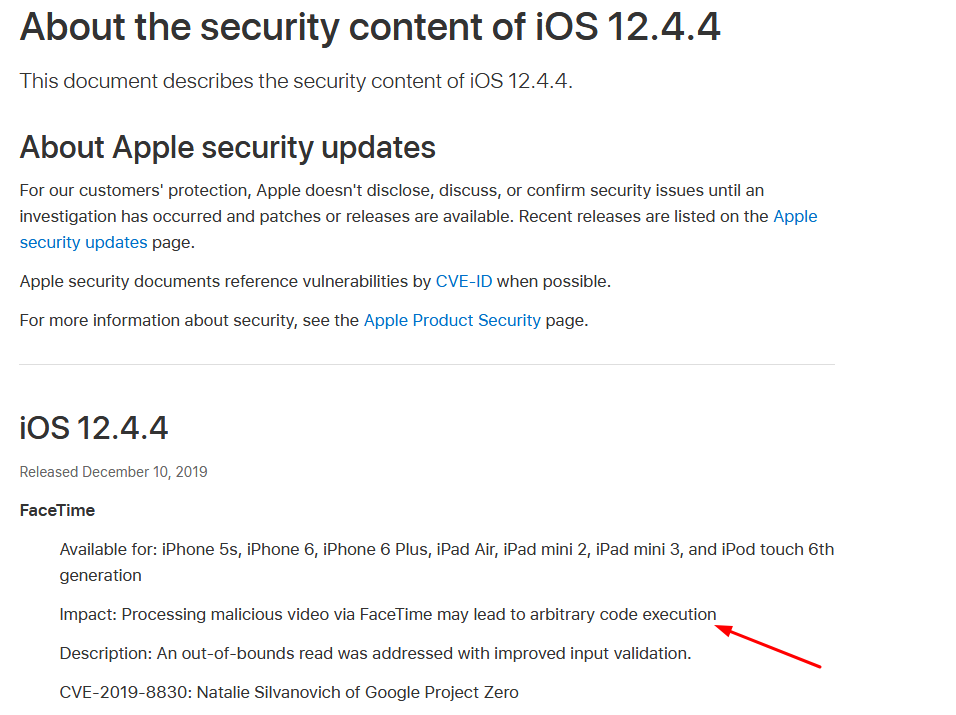
Now, all you have to do is learn how the FaceTime exploit works and convince the victim to have a FaceTime call with you.
VPN addresses leak too
Are we done? Not yet. The iOS mail client can also leak your VPN’s external and internal IP addresses! I performed another test to confirm this, and the results are shown below:

You might think that you are not vulnerable to this information leakage because you have the latest iOS version 13.3. However, I have tested this on the latest iOS version, and the information leakage still exists. This demonstrates that using privacy-aware email services such as Proton Mail or Tuta (then called ProtonMail and Tutanota) is ineffective if the iOS mail client itself leaks your privacy-related information.
Contacting Apple
I contacted Apple about this issue and hoped they would release a patch soon. Until then, make sure you avoid using the iOS mail client unless you are willing to expose your external and internal IP addresses, along with your iOS version and device model.
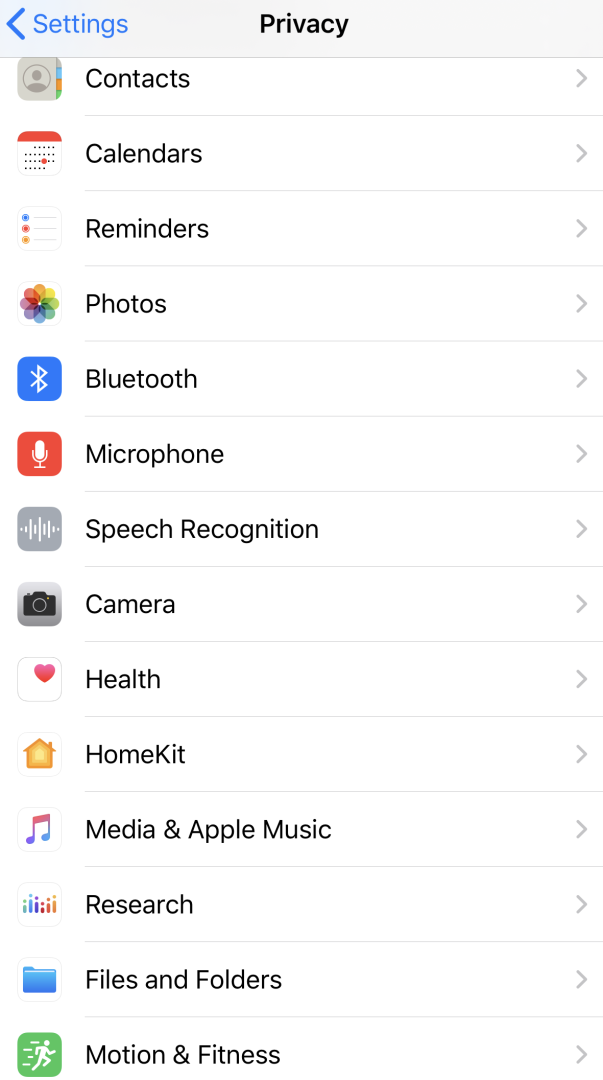
Note: Before posting or contacting Apple, I verified on my latest iOS version that the iPhone still does not provide an option to control what is sent over the email headers in the mail or privacy settings (screenshots: 1, 2, 3).
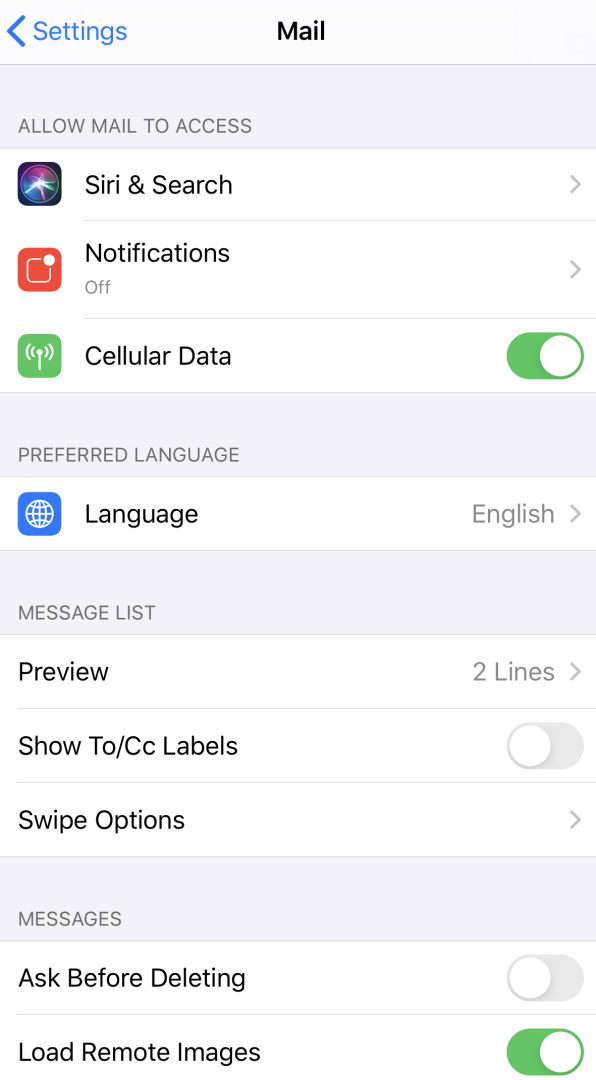
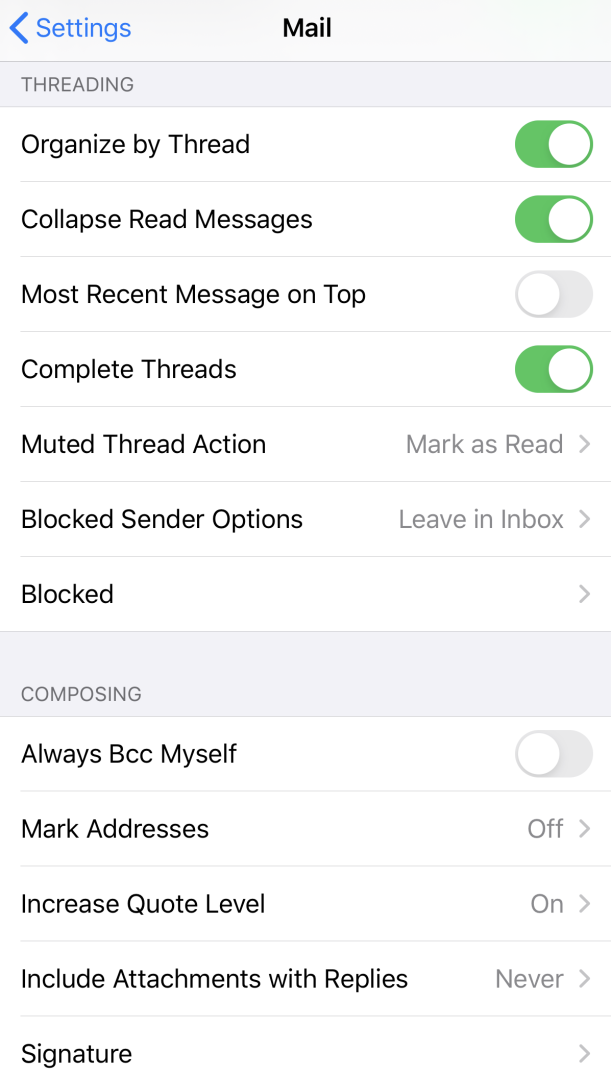
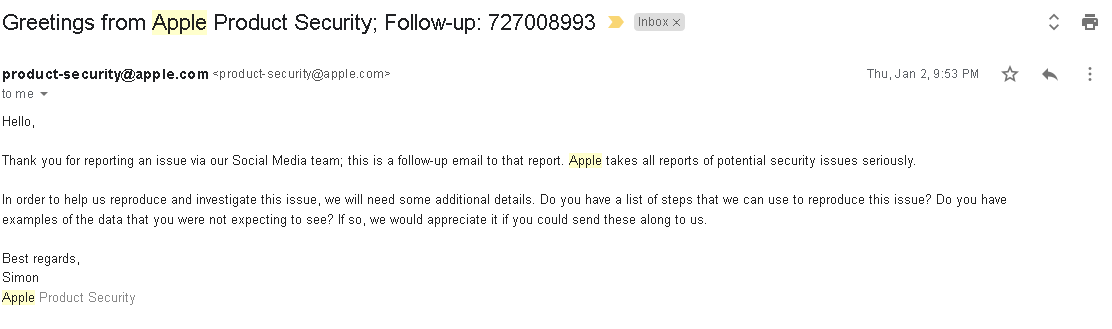
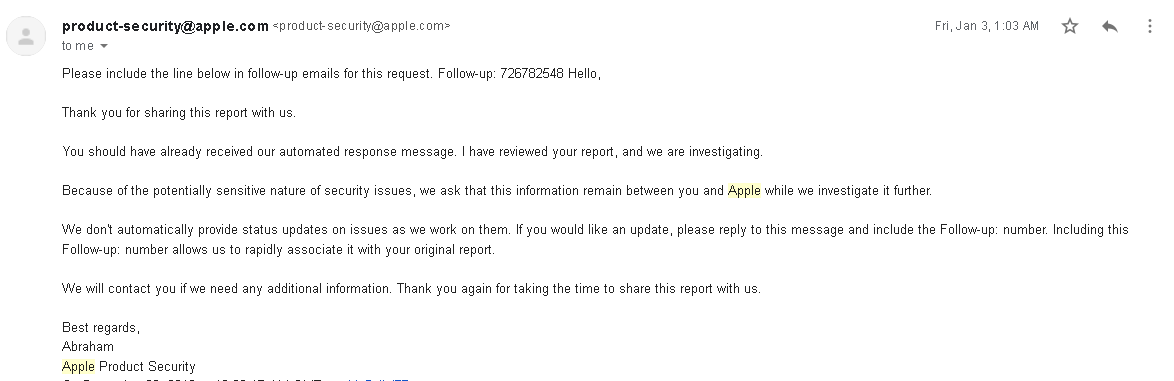
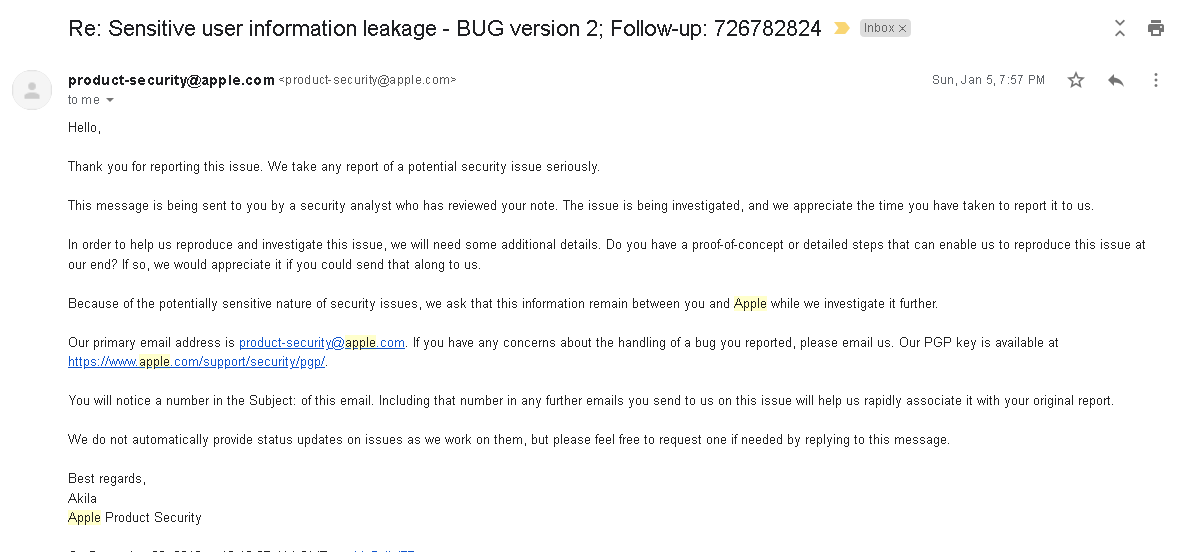
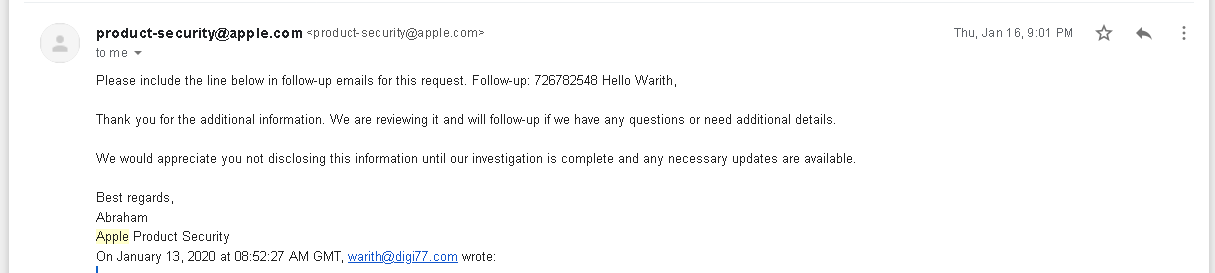
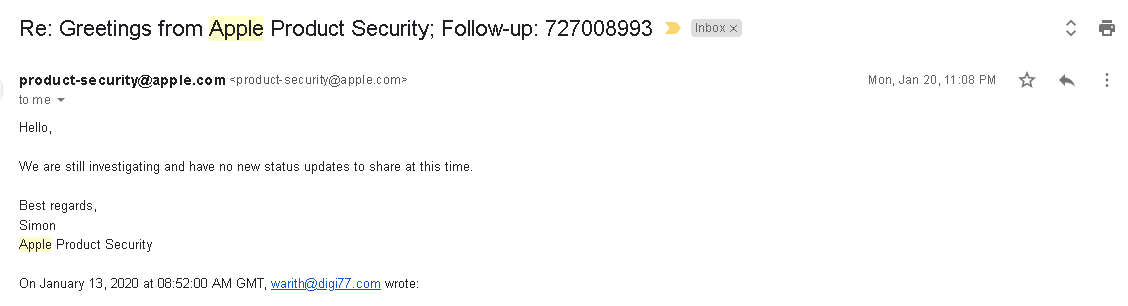
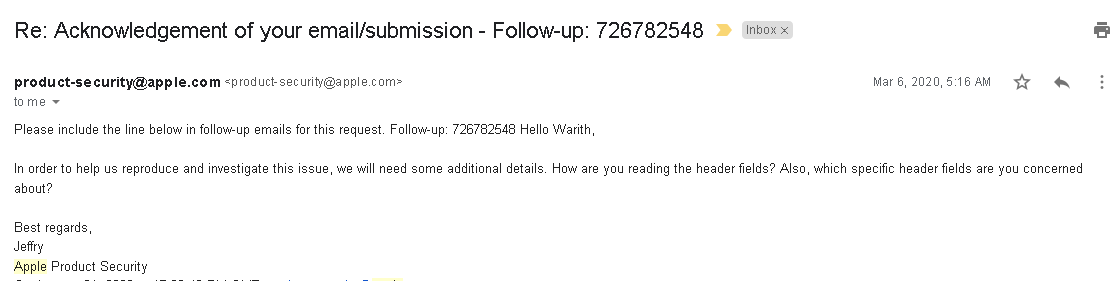
After contacting Apple on December 26, 2019, I was further disappointed as they asked me not to share this information. Despite my attempts, they never came back to indicate that they had fixed the issue. Here are my efforts to get them to address this problem (screenshots: 1, 2, 3, 4, 5, 6, 7).